

15 Essential Project Management Tools Every Tech Team Should Know
Building great software isn't just about writing excellent code.
Modern software development requires collaboration between developers, designers, QA engineers, DevOps specialists, product managers, business analysts, and stakeholders. As projects become more complex, relying on spreadsheets or endless chat messages quickly becomes inefficient.
This is where Project Management tools make a significant difference.
The right tools help teams organize work, improve communication, track progress, automate repetitive tasks, and deliver software more efficiently.
However, choosing the right platform can be overwhelming. Every tool claims to be the best, yet each one serves a different purpose.
In this guide, we'll explore 15 essential Project Management tools that every software development team should know, including their strengths, ideal use cases, and practical recommendations.
Why Project Management Tools Matter
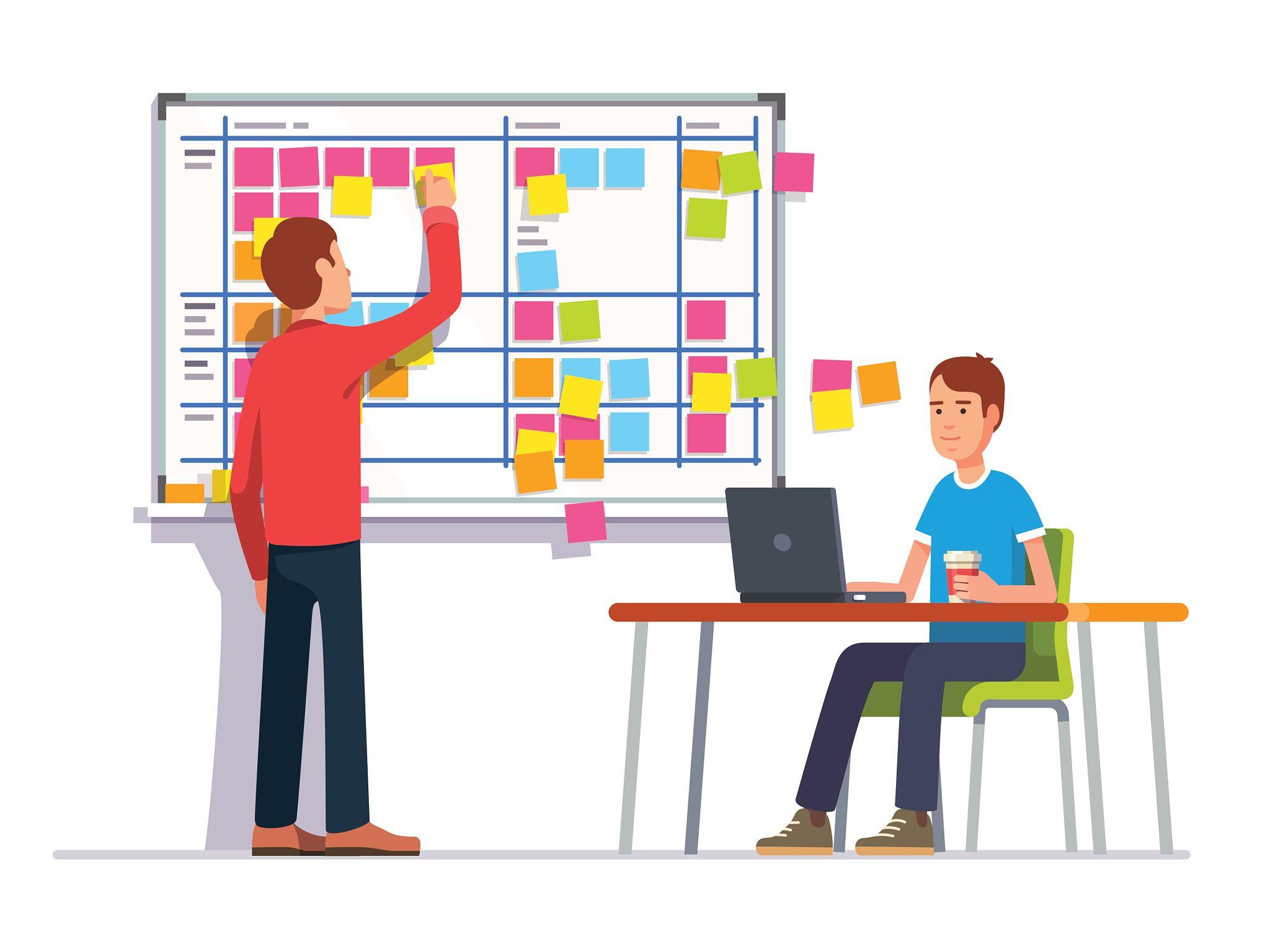
Project Management tools do much more than organize tasks.
They help teams:
Improve collaboration
Increase transparency
Track project progress
Reduce communication gaps
Manage project documentation
Plan releases
Monitor workloads
Identify bottlenecks
Improve productivity
A tool won't solve poor management—but it will amplify good management practices.
1. Jira
Jira is one of the most popular platforms for Agile software development.
It supports:
Scrum Boards
Kanban Boards
Sprint Planning
Backlogs
Epics
User Stories
Bug Tracking
Reporting
Best For
Medium to large software teams following Agile methodologies.
Pros
Highly customizable
Excellent reporting
Strong integrations
Enterprise-ready
Considerations
Its flexibility comes with a learning curve, especially for new users.
2. Trello
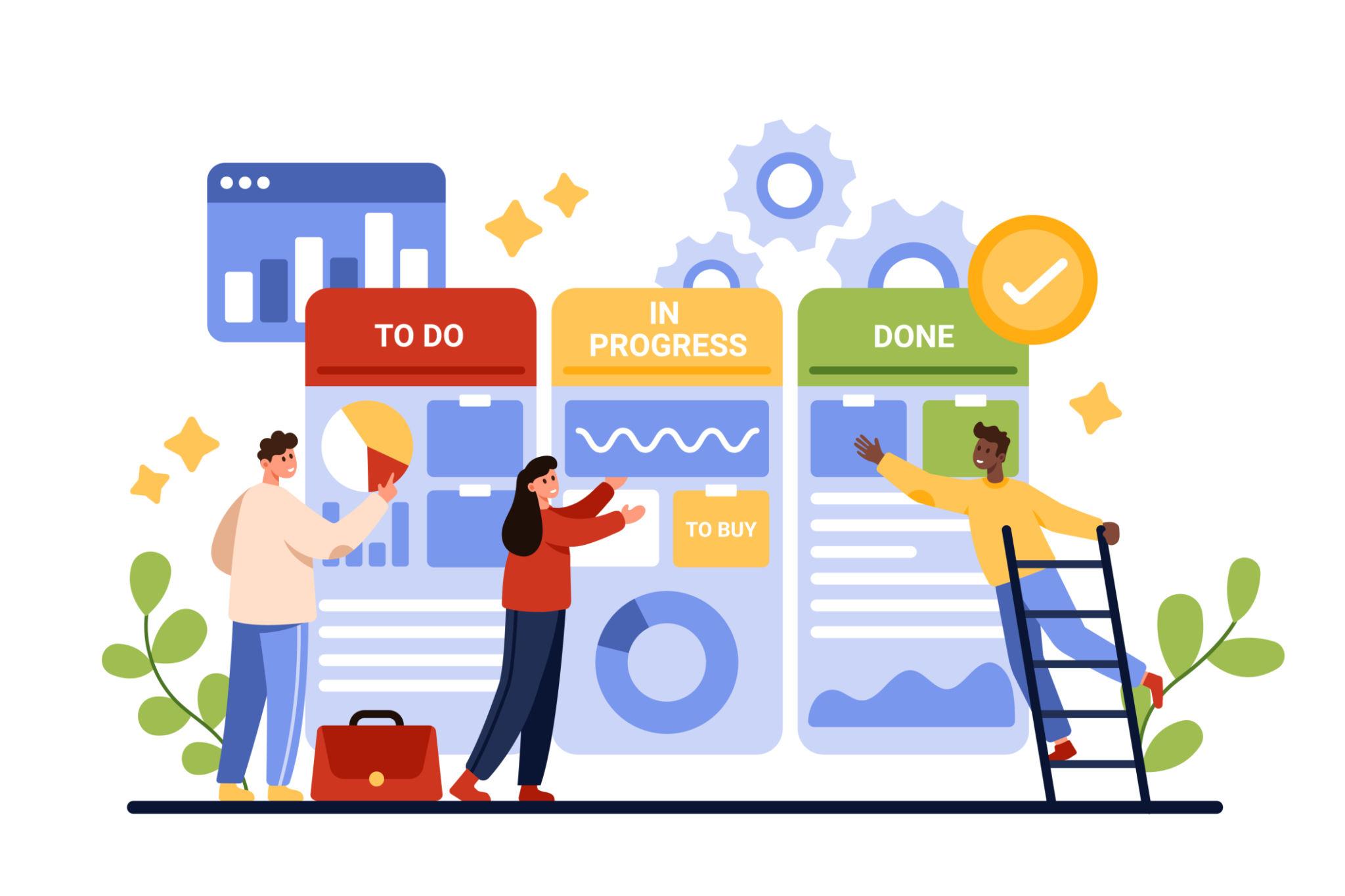
Trello focuses on simplicity.
Its Kanban-style boards allow teams to organize work visually.
Typical workflow:
To Do
In Progress
Review
Done
Best For
Small teams, freelancers, startups, and personal projects.
Pros
Very easy to learn
Clean interface
Flexible boards
3. Asana
Asana combines task management with project planning.
Features include:
Timeline
Calendar
Goals
Portfolios
Workload management
Best For
Cross-functional teams working across multiple departments.
4. ClickUp
ClickUp aims to replace multiple productivity tools with one platform.
Features include:
Docs
Whiteboards
Goals
Dashboards
Mind Maps
Time Tracking
Sprint Management
Best For
Growing companies looking for an all-in-one workspace.
5. Microsoft Project
Microsoft Project remains a popular choice for enterprise organizations managing large and complex projects.
Features include:
Gantt Charts
Critical Path Analysis
Resource Management
Budget Tracking
Forecasting
Best For
Large-scale enterprise projects.
6. Monday.com
Monday.com emphasizes visual project management.
Its customizable dashboards make project status easy to understand.
Popular features:
Automation
Dashboards
Timeline
Workload View
Integrations
7. Notion
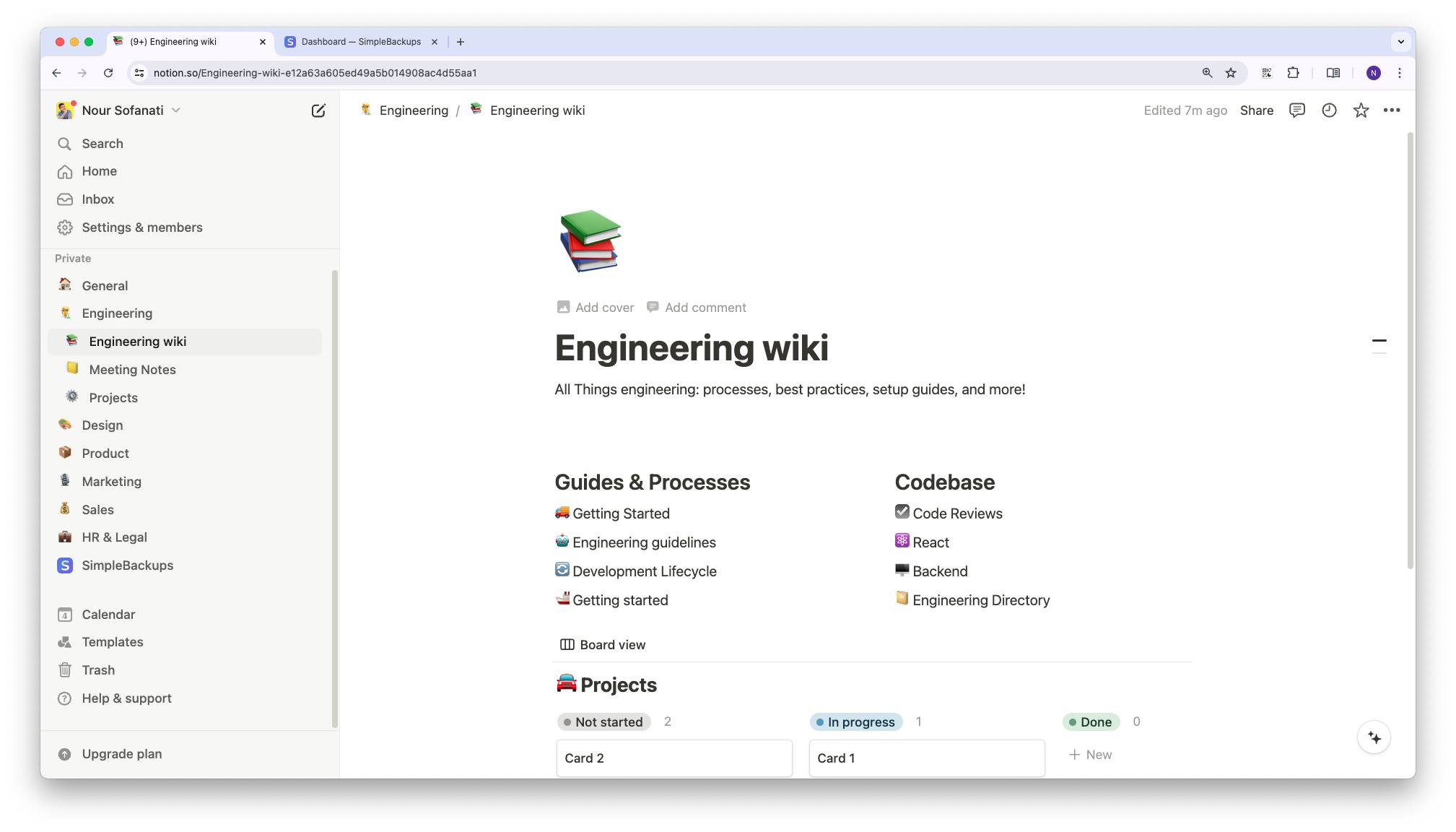
Notion combines documentation with lightweight project management.
Teams often use it for:
Wikis
Meeting Notes
Product Documentation
Roadmaps
Requirements
Best For
Knowledge management and documentation.
8. GitHub Projects
For software teams already using GitHub, GitHub Projects offers seamless integration with repositories.
Developers can connect:
Pull Requests
Issues
Milestones
Releases
without switching platforms.
9. GitLab
GitLab extends beyond source control.
It includes:
CI/CD
Security scanning
Issue tracking
Roadmaps
Sprint Boards
Ideal for DevOps-oriented teams.
10. Azure DevOps
Microsoft's Azure DevOps platform integrates:
Boards
Repositories
Pipelines
Testing
Artifact Management
It's especially popular among organizations using the Microsoft ecosystem.
11. Miro
Project planning often begins with brainstorming.
Miro provides an online collaborative whiteboard for:
User Journey Mapping
Sprint Planning
Mind Mapping
Retrospectives
Architecture Discussions
Perfect for distributed teams.
12. Slack
Slack isn't a Project Management platform, but it has become an essential collaboration tool.
Benefits include:
Team channels
Threaded discussions
Workflow automation
Notifications
Integration with hundreds of development tools
Communication is often the biggest factor in project success.
13. Microsoft Teams
Organizations using Microsoft 365 frequently rely on Teams for:
Meetings
File sharing
Chat
Video conferencing
Collaboration
Its integration with Office products makes it especially valuable for enterprise environments.
14. Confluence
Confluence works exceptionally well alongside Jira.
Teams use it for:
Technical documentation
Product requirements
Meeting minutes
Knowledge sharing
Decision logs
Well-maintained documentation reduces future confusion.
15. Linear
Linear has become increasingly popular among modern software startups.
Why?
Because it focuses on speed.
Features include:
Sprint Management
Roadmaps
Issue Tracking
Keyboard-first experience
Beautiful interface
Many engineering teams appreciate its simplicity compared to larger enterprise platforms.
How to Choose the Right Tool
Choosing the best Project Management tool depends on your team's size, workflow, and goals.
Here are some recommendations:
Team Type | Recommended Tools |
|---|---|
Freelancers | Trello, Notion |
Startup Teams | ClickUp, Linear, Jira |
Agile Development Teams | Jira, GitHub Projects |
Enterprise Organizations | Microsoft Project, Azure DevOps |
Documentation-heavy Teams | Notion, Confluence |
DevOps Teams | GitLab, Azure DevOps |
Remote Teams | Slack, Microsoft Teams, Miro |
The best tool is the one your team will consistently use.
Common Mistakes When Selecting Project Management Tools
Many organizations choose tools based on popularity rather than actual needs.
Avoid these common mistakes:
Selecting enterprise software for a five-person team.
Ignoring user adoption.
Purchasing expensive tools with unused features.
Using multiple tools that duplicate functionality.
Failing to train team members.
Not defining clear workflows before implementation.
Technology supports processes—it doesn't replace them.
Best Practices
Successful teams typically:
Standardize workflows.
Keep task boards organized.
Review project progress weekly.
Automate repetitive work.
Maintain updated documentation.
Limit unnecessary notifications.
Integrate tools whenever possible.
Continuously improve processes.
A well-configured tool saves time every day.
Conclusion
Project Management tools are no longer optional for modern software development teams.
They improve visibility, strengthen collaboration, reduce manual work, and help organizations deliver projects more efficiently.
However, remember that tools alone don't create successful projects.
Successful projects are built by skilled people, effective communication, disciplined processes, and continuous improvement.
The right platform simply helps great teams perform even better.
Frequently Asked Questions (FAQ)
What is the best Project Management tool for software development?
Jira remains one of the most widely adopted solutions for Agile software teams, while ClickUp, Linear, and GitHub Projects are also excellent choices depending on team size and workflow.
Is Trello suitable for software development?
Yes. Trello works well for small teams and startups with simple workflows, though larger Agile teams may require more advanced features like sprint management and reporting.
Do developers need Project Management tools?
Absolutely. Developers benefit from improved task visibility, collaboration, issue tracking, sprint planning, and documentation, making Project Management tools valuable beyond the Project Manager role.